 Hammer 5 Tools
SmartProp Editor
Edit .vsmart files with a real UI instead of raw text. It supports the stuff you actually need and still works with older formats. You can move, rotate, and scale your models in real-time. Use the built-in presets if you're placing the same things over and over.
Loading gallery…
0 / 0
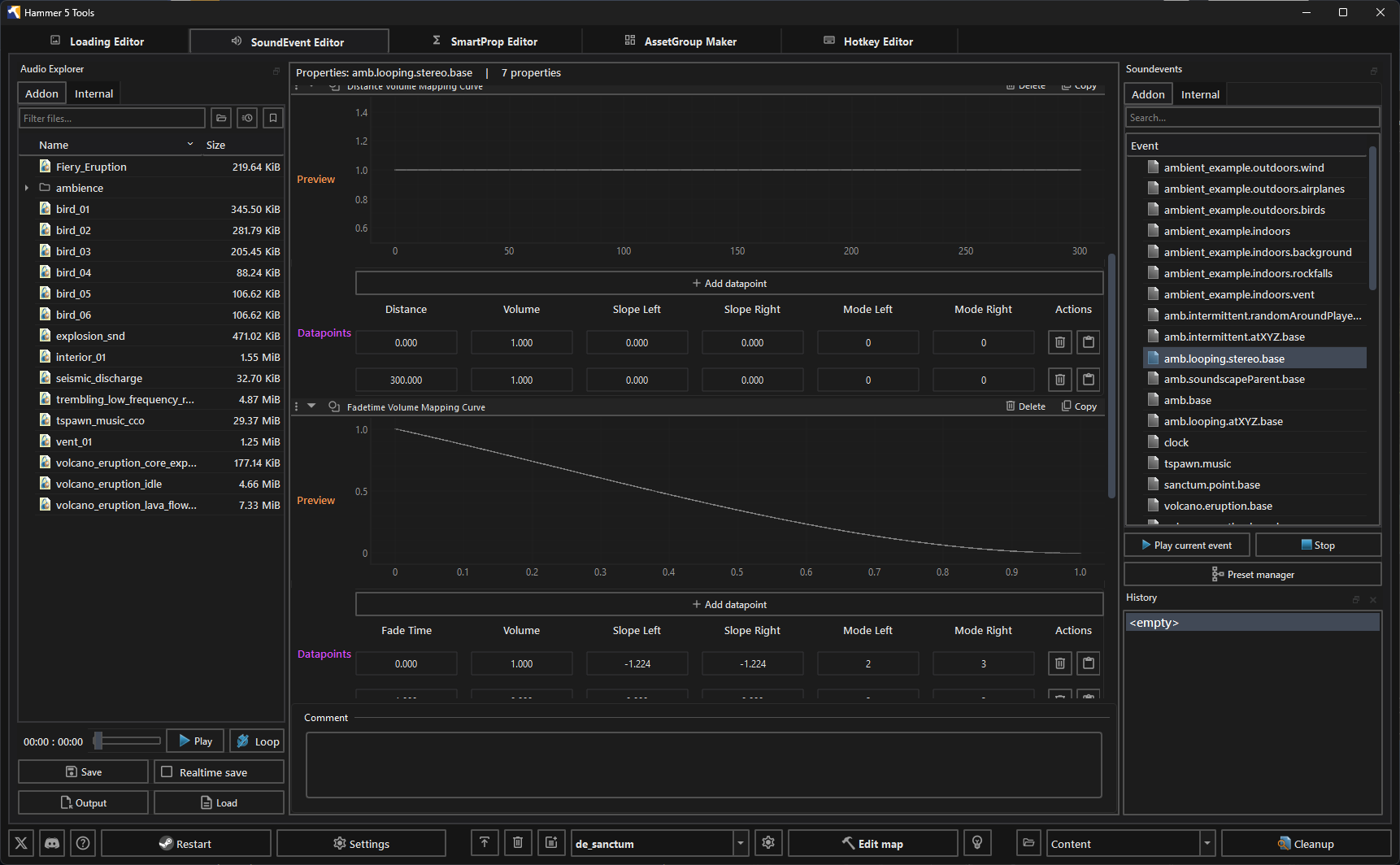
SoundEvent Editor
Handling sounds shouldn't be annoying. The editor reads your .vsnd files directly so you can preview and set up sound events. There are presets to get things working fast, or you can build your own setups. It edits your soundevents_addon.vsndevts file safely.
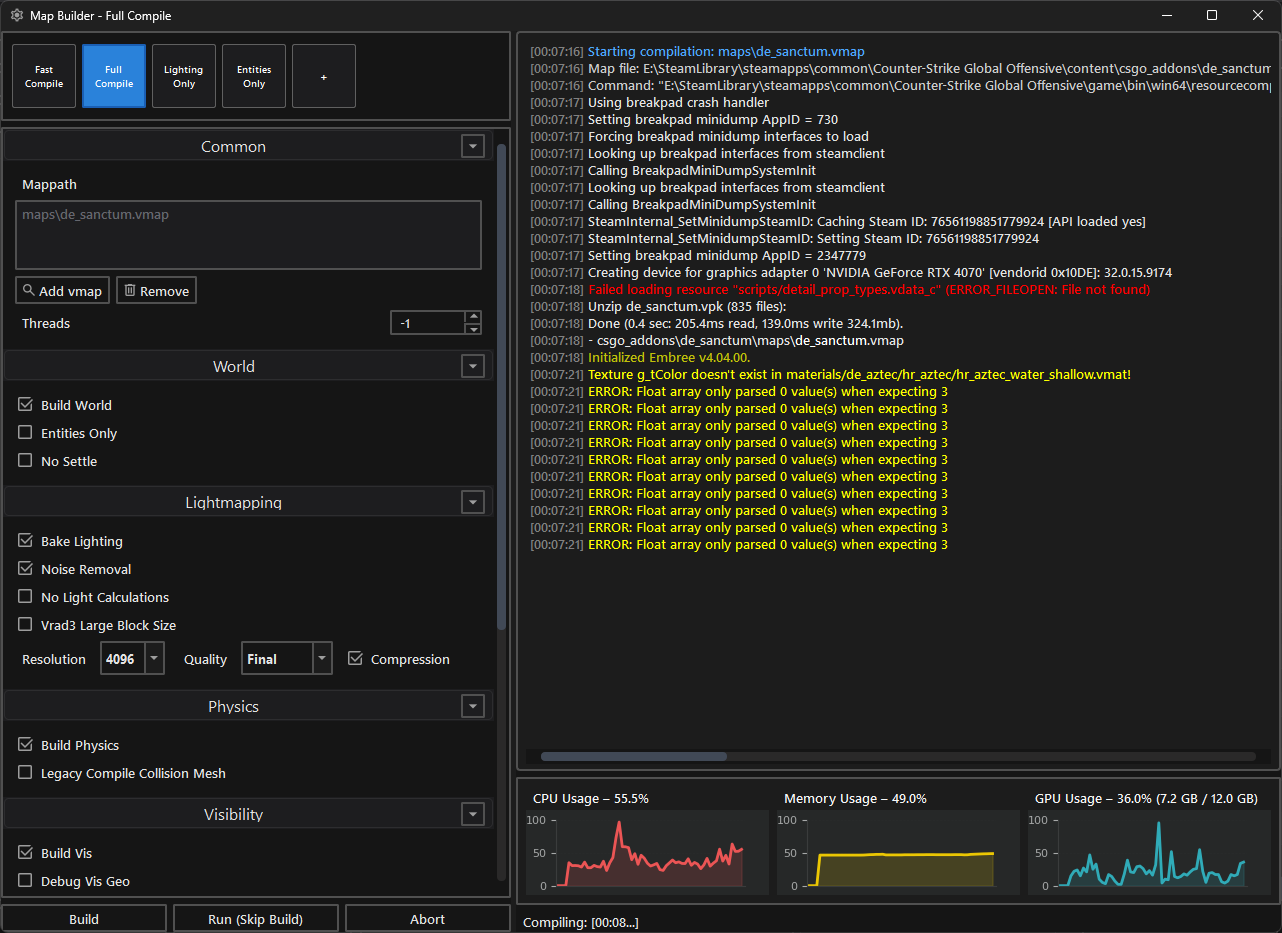
Map Builder
A dedicated interface for compiling maps. You get fast, full, and custom compile options. Want to just build geometry or bake lighting? Easy. You can also change lightmap resolution and keep an eye on your CPU, RAM, and GPU while the compile runs.
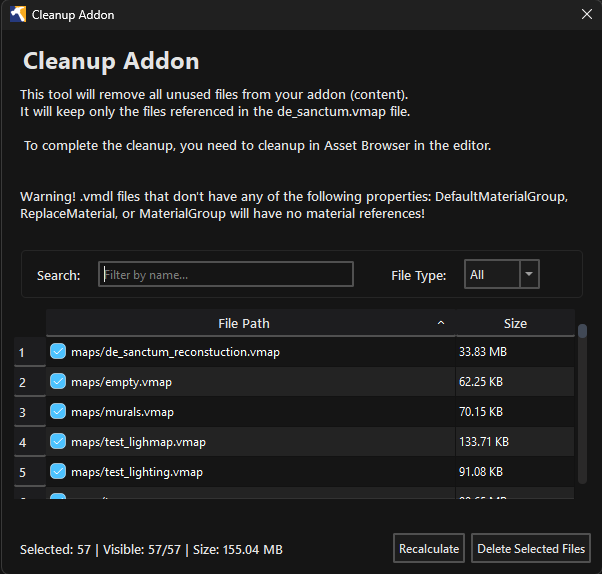
Cleanup Tool
Addon folders get messy fast. This tool reads your .vmap file and figures out what's actually being used. Anything else gets cleaned out. It saves storage space and keeps your project from becoming a nightmare to manage.
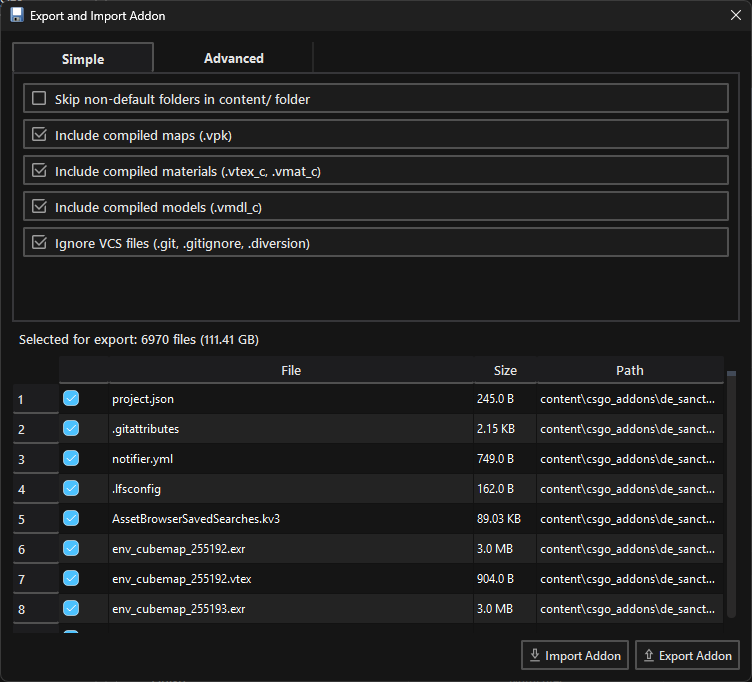
Export / Import Addon
Move whole addons around easily. You can export or import projects while filtering out junk folders and version control files. It lets you include compiled maps, materials, or models with a few clicks. Great for packaging a map for release or sharing it with someone else.
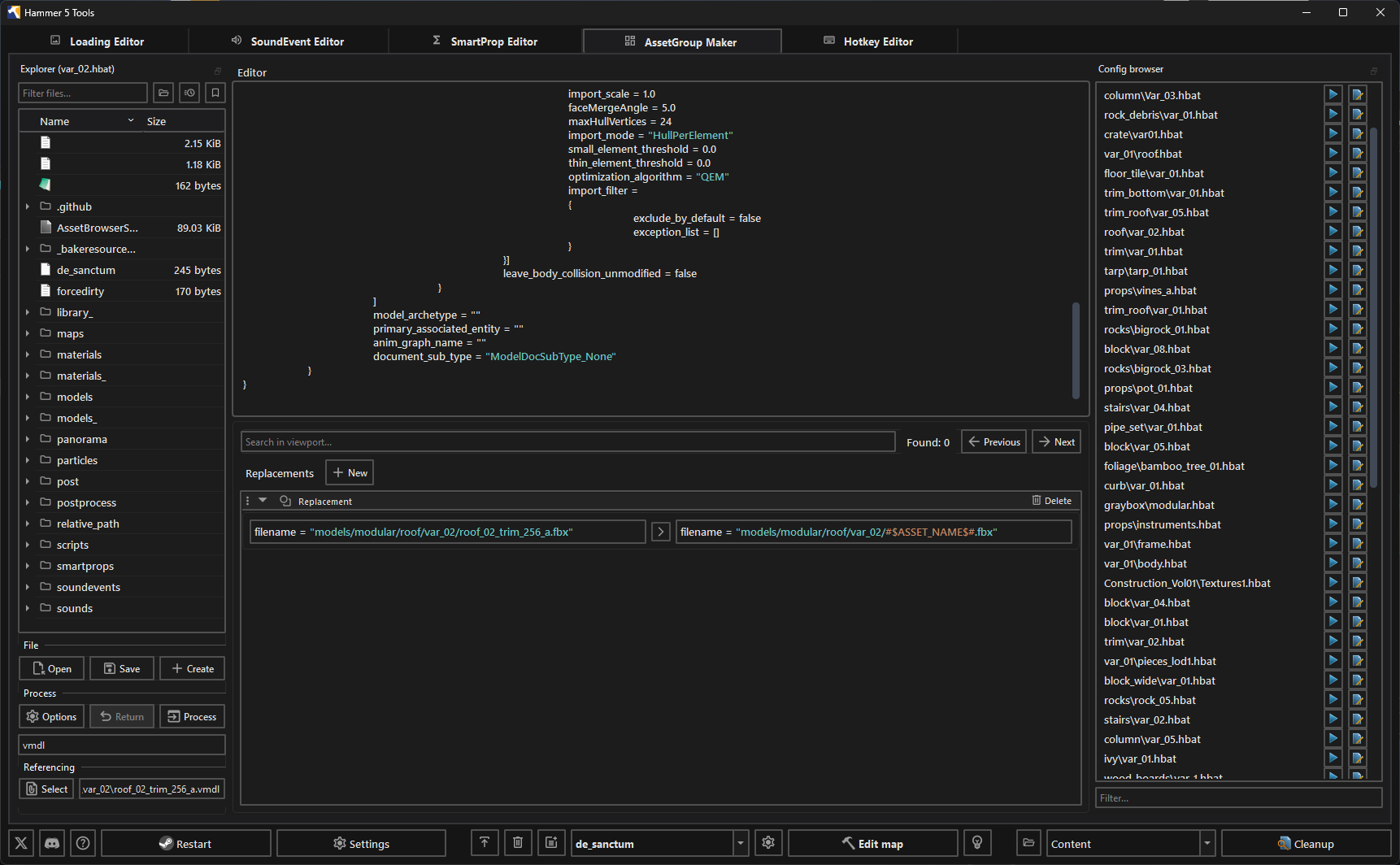
AssetGroup Maker
Create hundreds of Source 2 assets at once. Set up multi-template configurations with conditional slot mappings, watch folders for live changes, and use the KV3 batch format to save hours of manual work.
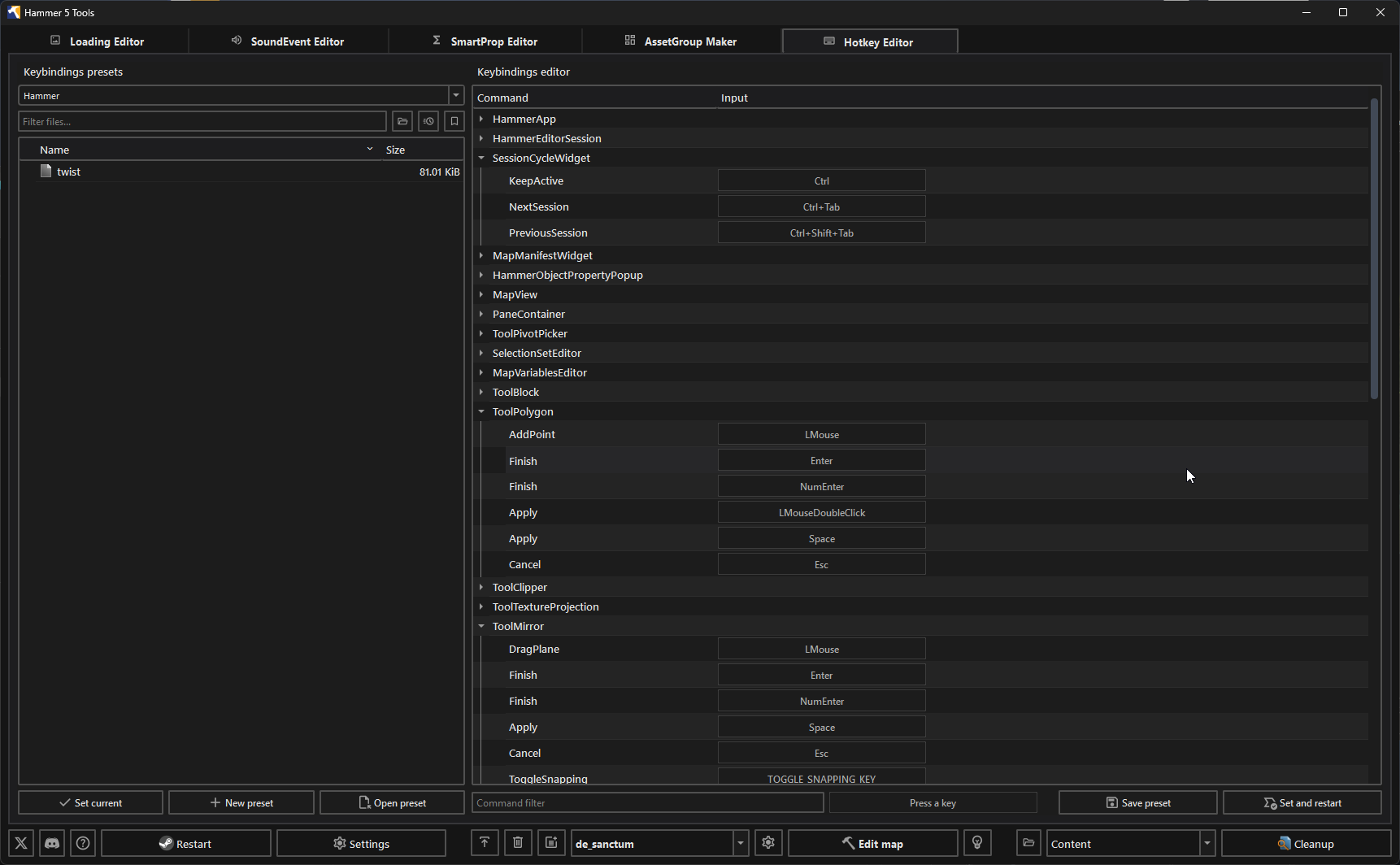
Hotkey Editor
Set up custom keyboard shortcuts for different tools. Keep your most used functions right where you need them. You can save different hotkey presets for different projects and swap between them whenever you want.
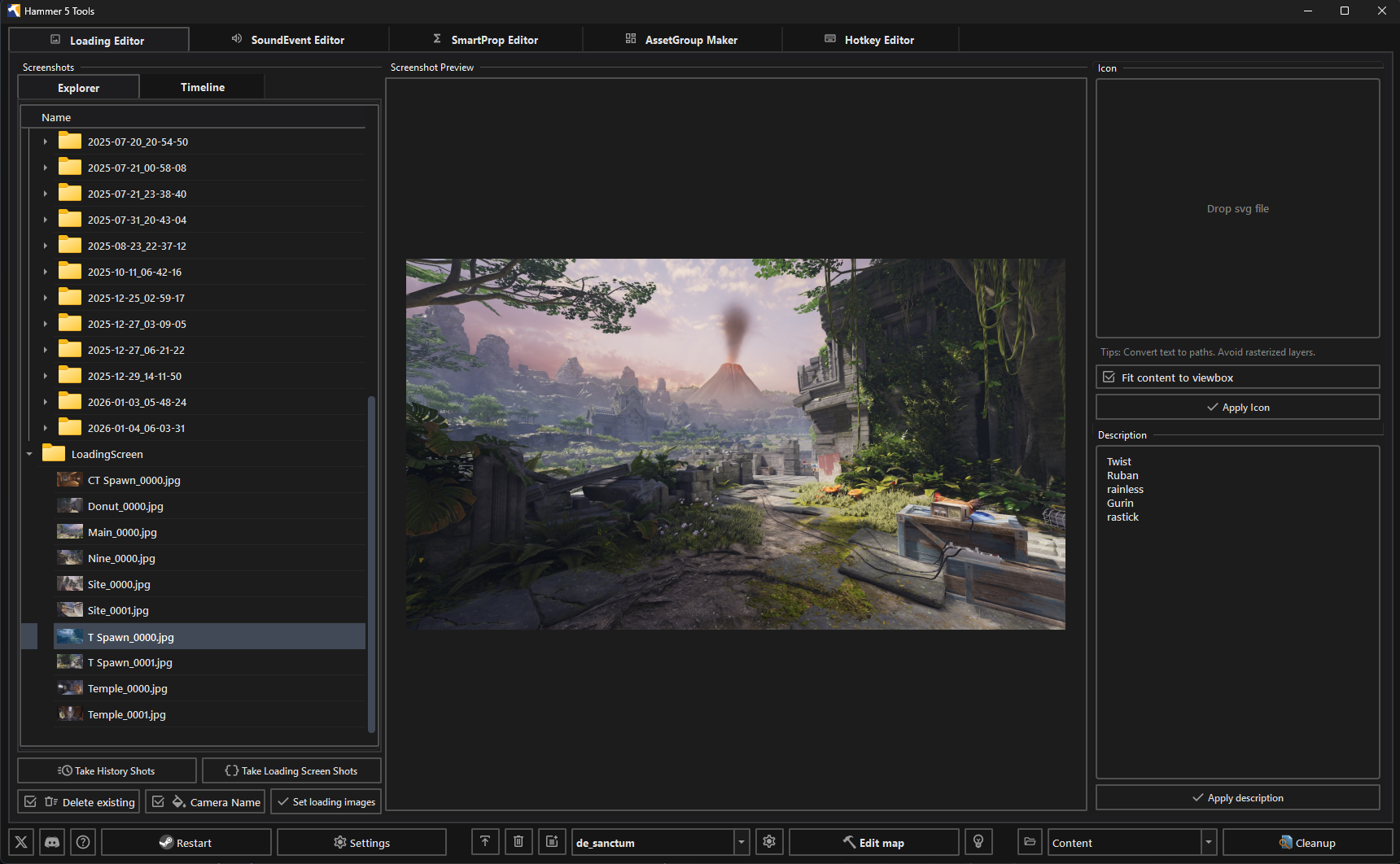
Loading Editor
Change what players see when your map loads. You can manage screenshots, icons, and descriptions. Take high quality screenshots straight from CS2 and the tool handles processing them into different resolutions. You can also write rich-text descriptions for the workshop.
Audio Editor
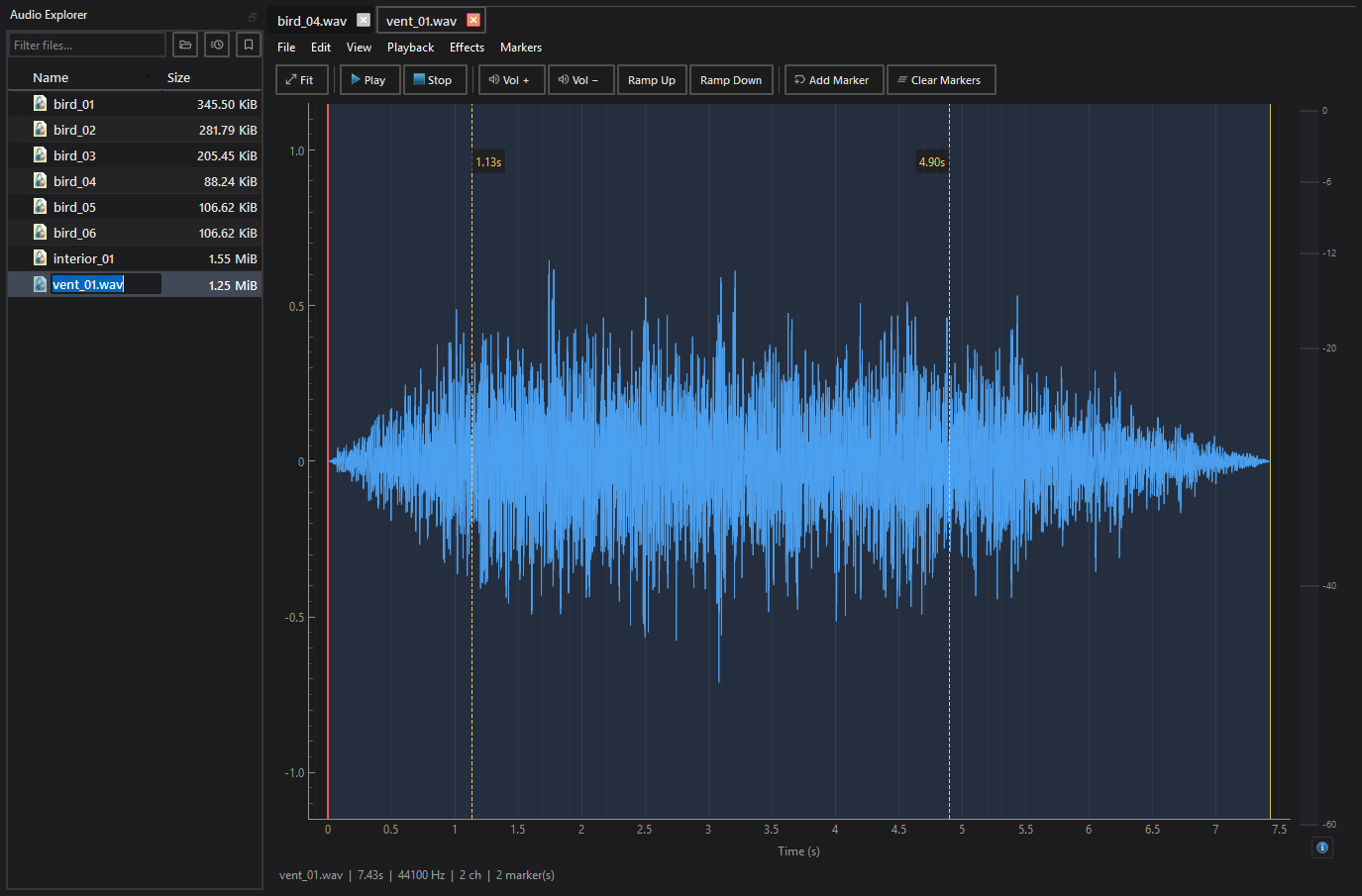
Built-in waveform audio workspace with visual sample inspection, cue-marker loop editing, DSP gain control, and fade-in/out ramps. Perfect for authoring seamless radio loops and ambient soundscapes without third-party DAWs.
DetailProp Editor
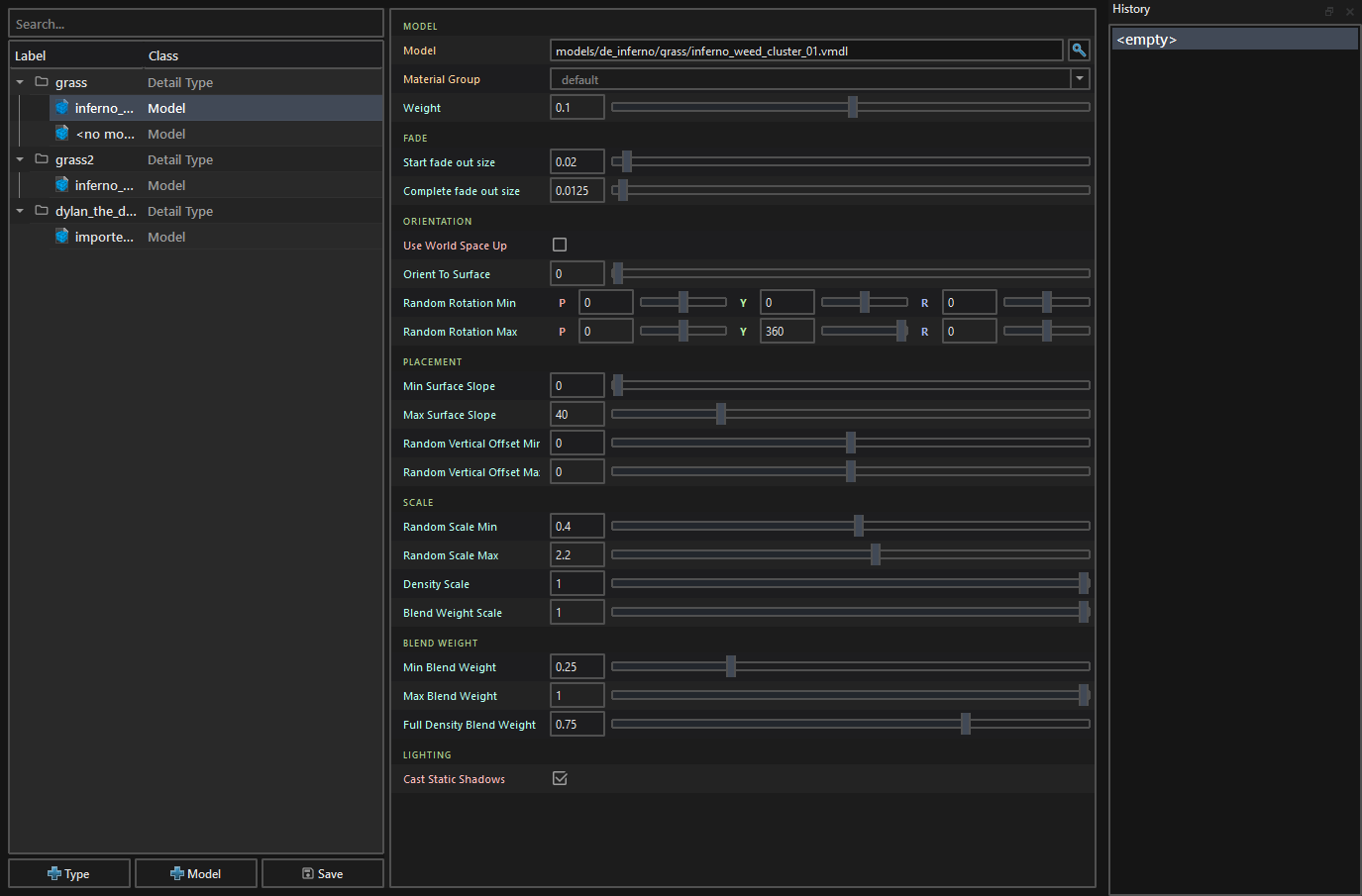
Visual editor for CS2 material layer detail props (scripts/detail_prop_types.vdata). Configure procedural grass, surface rocks, and clutter distributions bound to material layers with density limits, elevation bounds, and weighted model variations.
Porting Tools (Unreal & Source)
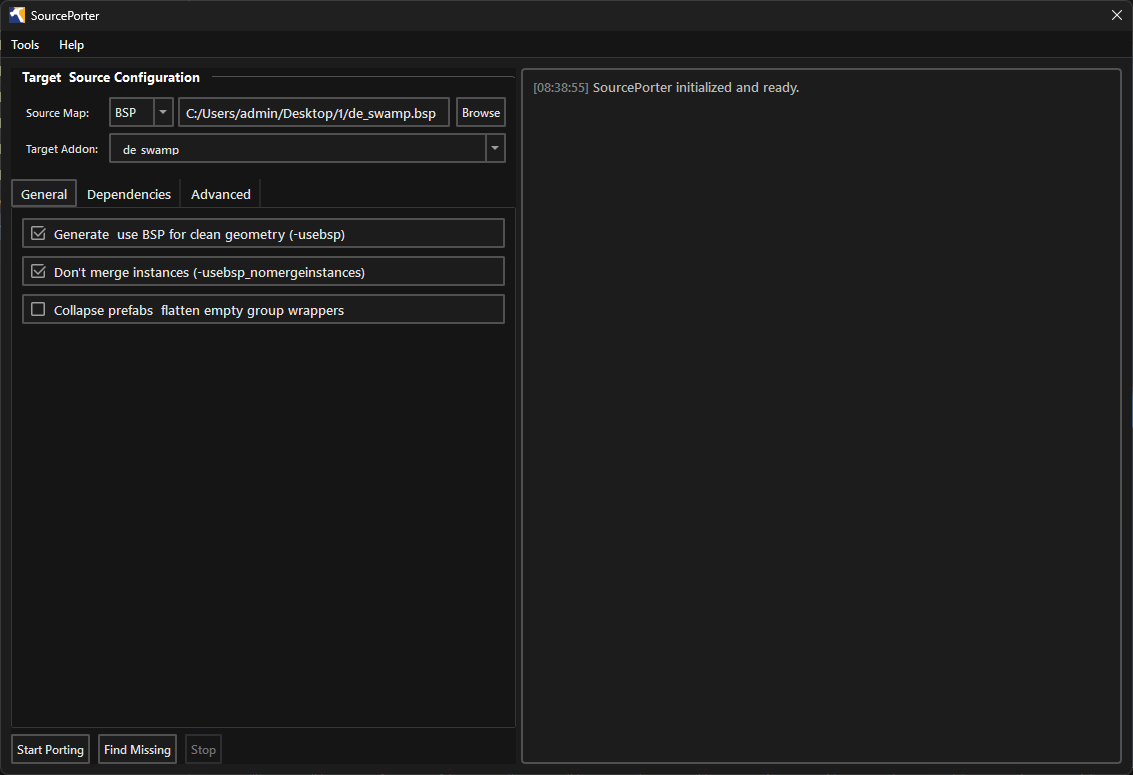
Transfer entire Unreal Engine 5 levels, static meshes, PBR textures, and lights into Source 2 with UnrealPorter. Or decompile and convert legacy GoldSrc and Source 1 BSP maps and models with SourcePorter and its automated missing asset resolver.
Git Sync & VMAP 3-Way Merge
Team collaboration built right into the toolbar. Track ahead/behind branch states, commit with one click, and resolve level conflicts safely with a custom 3-way merge driver designed specifically for Source 2 .vmap files.